Send fake location on WhatsApp by following the simple methods outlined in this comprehensive guide. Whether you want to pull a harmless prank on a friend or protect your digital privacy while sharing information, knowing how to manipulate your GPS coordinates can be a useful skill.
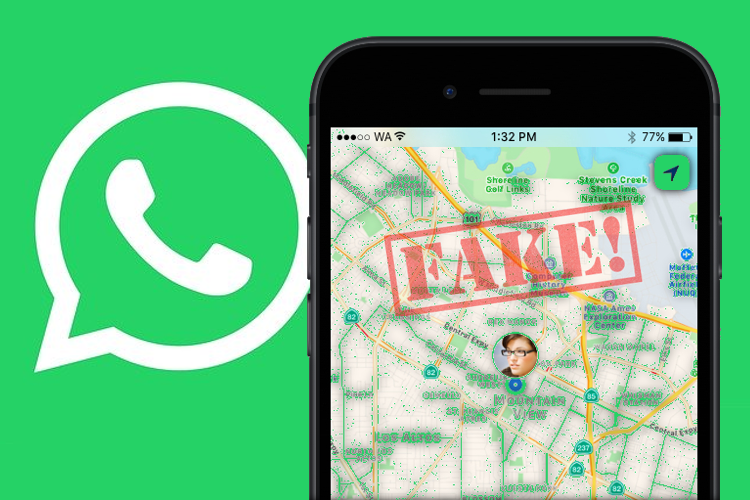
While WhatsApp provides a built-in feature to share your current or live location, it does not offer a native “spoofing” tool. To achieve this, you must rely on third-party applications or developer settings on your smartphone. Below, we explore the most effective ways to send a custom location on both Android and iOS devices.
Why People Spoof Their Location
Before diving into the “how,” it is helpful to understand why users look for these solutions. Common reasons include:
- Privacy Protection: Preventing others from knowing your exact residential address.
- Surprise Planning: Keeping a surprise party location a secret while still interacting in group chats.
- Security: Avoiding real-time tracking if you feel uncomfortable sharing your actual movement.
- Entertainment: Pranking friends by pretending to be at a famous landmark or in a different country.
Different Methods to Send Fake Location on WhatsApp
Below are the best methods to send fake location on WhatsApp using built-in search features, Android mock location apps, or iOS desktop spoofing tools.
Method 1: Sharing a Static Location (No Apps Required)
This is the easiest way to send a location that isn’t your own without installing extra software. This method works for “Static Locations” but will not work for “Live Locations.”
- Open WhatsApp and select the contact or group.
- Tap the Paperclip icon (Android) or the Plus icon (iOS).
- Choose Location.
- Tap the Search icon at the top of the map.
- Type in any address or landmark (e.g., “Eiffel Tower”).
- Select the specific result from the list.
- WhatsApp will send that specific pin instead of your actual GPS coordinates.
Note: The recipient will see the name of the place rather than a standard “Current Location” pin, which might tip them off that you searched for it manually.
Method 2: Using Mock Location Apps (Android)
Android users have more flexibility due to a feature called “Mock Locations” hidden in the developer settings.
Step 1: Enable Developer Options
- Go to your phone Settings.
- Navigate to About Phone.
- Find the Build Number and tap it seven times until you see a message saying “You are now a developer.”
Step 2: Install a GPS Spoofer
- Download a reputable app like “Fake GPS Location” from the Google Play Store.
- Go back to Settings > System > Developer Options.
- Scroll down to Select mock location app.
- Choose the app you just downloaded.
Step 3: Change Your Location
- Open the Fake GPS app.
- Move the pin to your desired location on the map.
- Press the Play or Start button.
- Open WhatsApp and share your “Current Location.” It will now reflect the coordinates from the spoofing app.
Method 3: Sending Fake Location on iOS (iPhone)
Apple maintains a “walled garden” approach to security, making it harder to spoof GPS data without a computer or specialized software.
| Method | Requirements | Difficulty |
|---|---|---|
| Desktop Software | A PC/Mac and a USB cable | Medium |
| Cydia/Jailbreak | A jailbroken device | High |
| Xcode | A Mac and developer knowledge | High |
The most common way for iPhone users is to use desktop tools like iAnyGo or Dr.Fone. These programs change the location of the entire device at the system level. Once the iPhone thinks it is in London, WhatsApp will automatically use those coordinates when you tap “Send Current Location.”
Comparison: Live Location vs. Static Location
It is vital to distinguish between these two features when attempting to send a fake location.
- Static Location: A one-time pin. This is easy to fake using the search bar within WhatsApp.
- Live Location: A real-time stream of your movement. Faking this requires a “Mock Location” app to stay running in the background, updating your coordinates as if you were moving.
Safety and Ethical Considerations
While sending a fake location is generally harmless for pranks, you should use this power responsibly.
- Avoid Malicious Deception: Do not use these methods to bypass legal obligations or work-related tracking.
- App Permissions: Be careful when downloading third-party GPS apps. Only use apps with high ratings and many reviews to avoid malware.
- Battery Drain: GPS spoofing apps often run in the background and can drain your battery faster than usual.
Conclusion
Learning how to send a fake location on WhatsApp gives you greater control over your digital footprint. Android users can enjoy the ease of Mock Location apps, while iPhone users may need to rely on desktop-assisted software. Always remember to turn off your spoofing app once you are done to ensure your navigation apps work correctly the next time you actually need directions.
Frequently Asked Questions (FAQs)
Can WhatsApp detect if I am using a fake location?
Generally, no. WhatsApp reads the GPS data provided by the operating system. If your phone’s system reports a specific set of coordinates, WhatsApp treats them as genuine. However, if you send a searched location, the label might look different than a pinned “Current Location.”
Will my live location update if I move while using a fake GPS app?
If you use a high-quality “Mock Location” app on Android, you can set a route. The app will “walk” the pin along the path, and your WhatsApp Live Location will move accordingly.
Do I need to root my Android phone?
No. Most modern spoofing apps work perfectly fine using the “Developer Options” menu without requiring root access.
Is it illegal to fake your location?
Faking your location for personal privacy or entertainment is not illegal. However, using it to commit fraud or interfere with law enforcement can lead to legal consequences.